

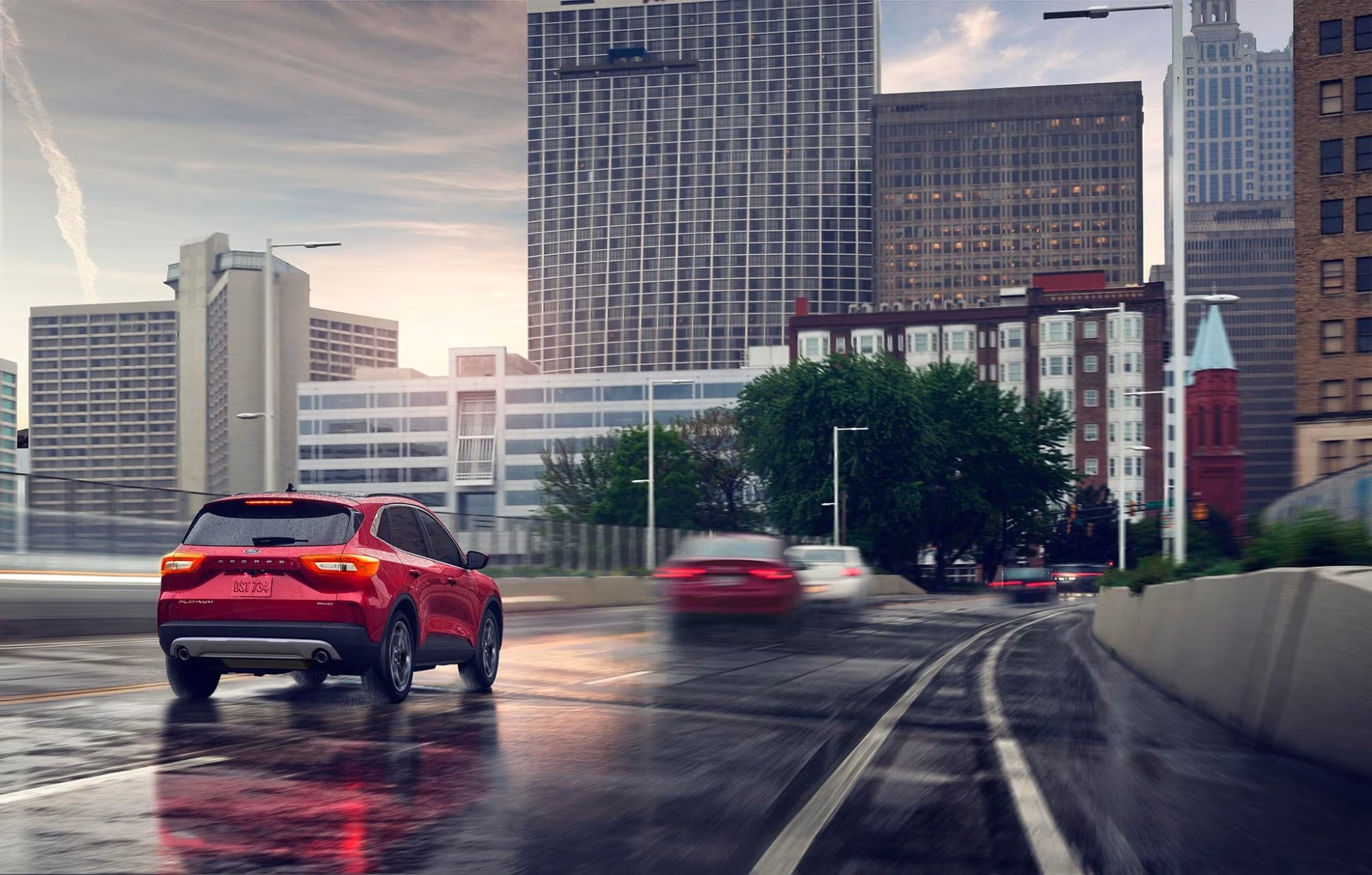
What Tech Comes in the Ford Escape Plug-In Hybrid?
Posted at Tue, Dec 29, 2026 1:00 PM
THE SHORT ANSWER
The Ford Escape Plug-In Hybrid pairs Ford's SYNC infotainment and Co-Pilot360 driver-assist features with tech built for plugging in: selectable EV drive modes, Level 1 and Level 2 charging, and battery monitoring through the Ford app. What you get varies by model year and trim, and most of the plug-in features only pay off if you charge regularly.
Which features come with the Ford Escape Plug-In Hybrid, and which ones matter day to day? That's the question we hear most at Sayville Ford in Sayville, NY, known as "Long Island's Ford Giant" since the late 1970s. Here's the straight answer, starting with the mistake that costs owners the most.
IN THIS POST
- 1. The Biggest Mistake: Treating It Like a Regular Hybrid
- 2. EV Drive Modes and When to Use Them
- 3. Charging: What Plugs In and What Doesn't
- 4. SYNC Infotainment and Phone Integration
- 5. Ford Co-Pilot360 Driver Assistance
- 6. Remote Access Through the Ford App
- 7. Cost and Timing: What to Plan For
- Key takeaways
1. The Biggest Mistake: Treating It Like a Regular Hybrid
Most of the plug-in tech only works for you if the battery has charge. Owners who skip plugging in end up driving a heavier hybrid. The EV modes, charge scheduling and app alerts go mostly unused.
A regular Escape Hybrid charges itself through the gas engine and braking. The plug-in version is built to start the day full from the wall, then run on electric power for shorter trips before the engine joins in. When the battery runs low, the engine carries on, so you're never stranded. That's the backup, not the plan.
If your weekdays are local errands, school drop-offs or the run to the train station, overnight charging is where the value is. Can't charge at home or work? Be honest about that before you buy. The standard hybrid may suit you better.
A quick gut check:
- Do you park in a driveway or garage with an outlet nearby?
- Are most of your weekday drives short?
- Is there charging at your job?
If you answered yes to two or more, the plug-in makes sense for you. If not, take a closer look at the regular hybrid before you decide.
2. EV Drive Modes and When to Use Them
A mode button lets you decide how the car spends its battery. Four settings cover nearly every situation:
- Auto EV: the car chooses when to run on electricity and when to blend in the engine. It's a good default.
- EV Now: runs on electricity for as long as the battery allows. Use it around town.
- EV Later: saves your charge and drives mostly as a hybrid. It's handy on the highway when you want electric power waiting for local streets at the other end.
- EV Charge: uses the engine to add battery charge while you drive. It burns fuel to do it, so treat it as an occasional tool, not a daily setting.
Here's a pattern that works well on Long Island: EV Later on the LIE or Sunrise Highway, then EV Now once you exit onto local roads. Electric driving feels quietest and smoothest in stop-and-go traffic and at lower speeds.
Your instrument cluster shows which power source is working and how much electric range remains. A quick glance tells you when to switch modes.
3. Charging: What Plugs In and What Doesn't
A cord for a standard household outlet, known as Level 1 charging, comes with the vehicle. It's slow, but it's enough if the car sits overnight and your daily mileage is modest.
A Level 2 charger on a dedicated 240-volt circuit fills the battery much faster. Many public chargers at shopping centers, town lots and workplaces use the same J1772 plug, so top-ups while you shop are easy.
What it can't do
It doesn't support DC fast charging. Those high-speed stations along major highways won't work with it. You won't need them either, since the gas engine handles long trips.
Charging smarter
You can set charge timing so the car draws power during off-peak hours. Check whether your PSEG Long Island plan offers time-of-use rates before you set a schedule. Cheaper overnight electricity can add up over a year.
Your charge status shows on the dash and in the Ford app. That way you can confirm the car is actually charging, without walking back out to the garage.
4. SYNC Infotainment and Phone Integration
Which SYNC version you get depends on the model year. Earlier Escape Plug-In Hybrids use SYNC 3. The 2023 refresh moved to SYNC 4, with a larger center touchscreen and over-the-air software updates.
Both versions support Apple CarPlay and Android Auto, so your maps, music and messages show up on the car's screen. With SYNC 4, both connect wirelessly, so you don't have to plug in a cable on most drives.
On a plug-in, the screen does more than play music. It shows energy flow, charge settings and trip efficiency. You can also set charging schedules there if you'd rather not use your phone.
Voice commands handle calls, climate and navigation while your hands stay on the wheel. Built-in navigation came on some trims, but with phone projection, many drivers don't miss it.
Shopping our used cars? Open the settings menu during the test drive and check which SYNC version the car has. It takes thirty seconds and tells you exactly which screen and features you're buying.
5. Ford Co-Pilot360 Driver Assistance
Ford groups its driver-assist features under Co-Pilot360. The exact mix varies by year and trim, but the core group on the Escape includes:
- Pre-Collision Assist with Automatic Emergency Braking, which watches for vehicles and pedestrians ahead
- Blind Spot Information System with Cross-Traffic Alert
- Lane-Keeping System
- Auto high-beam headlamps
- A rearview camera
Higher trims and option packages may add adaptive cruise control with Stop-and-Go and Lane Centering, plus parking aids. Those help most in heavy traffic on the Southern State or the slow crawl toward the city.
None of this replaces paying attention. These systems back you up, and they work best when cameras and sensors are clean. In winter, road salt and grime on the windshield or bumpers can limit what they detect.
Two Escapes that look identical on the lot can carry different assist packages. When you're comparing new Escapes in stock, ask to see the window sticker so you know exactly what's on that vehicle.
6. Remote Access Through the Ford App
For a plug-in owner, the Ford app (formerly FordPass) is the most useful tech after the charger itself. It connects your phone to the car wherever you are.
Useful things you can do from the app include:
- Check battery charge and estimated electric range
- Watch charging status so you know it started and finished
- Remote start
- Lock and unlock the doors
- Locate the car in a crowded lot
Charge status on your phone solves the most common plug-in headache. A loose cord or a tripped breaker overnight can leave you with an empty battery in the morning. A quick check before bed catches it.
Connected features generally need to be activated. Some also depend on a data plan after the first period of ownership.
Ask to have the app paired and tested at delivery so everything works before you leave the lot. It also helps to save your account login somewhere safe. Re-pairing a phone later goes faster when you have it handy.
7. Cost and Timing: What to Plan For
Home charging
A Level 2 charger is the main extra expense. Installation cost depends on your electrical panel, how far your parking spot is from it, and local permit rules. Get an electrician's quote before you commit. PSEG Long Island has run rebate programs for home chargers in the past, so check what's available now.
When to buy
Model year affects the tech more than most people expect. A gently used 2023 or newer gets you SYNC 4 without paying new-car money. Federal tax credit eligibility for plug-ins has changed several times, so confirm what applies to a specific vehicle on the day you buy.
Owning it
Plug-in hybrids still need oil changes and routine inspections, including checks of the battery and charging system. Sayville Ford offers maintenance pickup and mobile service, which helps when your week is already full.
We pair a big dealer's selection with small-town care. When you're ready, you can review your financing options at your own pace before you visit.
Where
5686 Sunrise Hwy
Sayville, NY
Call
KEY TAKEAWAYS
- Plug it in most nights, or the plug-in features mostly sit idle.
- It charges on Level 1 or Level 2 only. DC fast charging isn't supported.
- SYNC version and driver-assist content depend on model year and trim, so check the window sticker.
FAQ
Common questions
Can the Escape Plug-In Hybrid use DC fast chargers?
No. It charges on Level 1, from a household outlet, or Level 2, from a 240-volt charger. Highway fast-charging stations aren't compatible, and the gas engine covers long trips.
Do I need a Level 2 charger at home?
No. The included Level 1 cord works if the car sits overnight and your daily driving is modest. Level 2 makes sense if you drive more or want a full battery faster.
Will it drive on electricity alone?
Yes. In EV Now or Auto EV it can run on electric power until the battery runs low or you need more power, then the engine takes over automatically.
How can I tell which SYNC version a used Escape has?
Look in the settings menu on the touchscreen, or check the model year. Models from the 2023 refresh onward use SYNC 4, and earlier ones use SYNC 3.
Want to see it in person?
Browse what is on the lot right now, or come by and see it in person.
Or call (631) 589-4800 · 5686 Sunrise Hwy, Sayville